Skip to content


Security camera placement at a self storage facility starts with the places every tenant and vehicle passes: the entry and exit gate, the office or kiosk, drive aisles, interior hallways, elevators, loading areas and any RV or boat parking. Each camera at a self storage facility should have one assigned job, either identifying faces and license plates or detecting movement across a wider area.
Owners, operators and installers can use the zone table, layout steps and mounting tips below to plan each view before buying equipment. For camera types and features, read Best Security Cameras for Self-Storage Facilities.
Security Camera Placement by Zone at a Self Storage Facility
Use this table as the starting point for where to put CCTV cameras on a self storage property. The second column sets each camera's job, and that job decides the lens and mounting position. Surveillance camera placement at a storage site differs from a home layout because the gate, long drive aisles and multi-story buildings each need their own view.
|
Zone |
What the camera needs to capture |
Placement tip |
|
Entry and exit gate |
Faces and license plates at the stop point, plus the full gate opening |
Aim one camera at the spot where drivers stop at the keypad, and add a wide view of the gate |
|
Office, kiosk and front door |
Faces of everyone who enters |
Face the door from inside, and use wide dynamic range where windows backlight people |
|
Drive aisles and building ends |
Vehicles and people moving along each row |
Mount at building corners looking down the aisle, with overlapping views |
|
Interior hallways and common areas |
Movement along the hall and people at doors |
A 360-degree camera can cover a common area from a single mounting point |
|
Elevators and stairwells |
People moving between floors |
Cover each elevator lobby and every stairwell entrance |
|
Loading and move-in areas |
Vehicles, people and items moving in and out |
Give each loading zone a dedicated view of the vehicle and the doorway |
|
RV, boat and vehicle lots |
Movement across a large open area |
Use long-range views from poles or walls, plus a closer view at the lot entrance |
|
Dumpster areas and fence lines |
Activity after hours |
Cover areas with low daytime traffic that are easy to overlook |

Match the Security Camera Field of View to Each Camera's Job
The security camera field of view decides how much detail a camera records. A wide view covers more ground but spreads the camera's pixels thin, so a face or plate in the distance turns into a few unreadable pixels. A narrow view gives up coverage in exchange for detail.
Pixels per foot is how installers check the result. The international standard IEC 62676-4 defines four levels, often called DORI (detect, observe, recognize, identify):
-
Detect (about 8 pixels per foot): shows that a person or vehicle is present.
-
Observe (about 20): shows clothing and general activity.
-
Recognize (about 40): shows whether a person is someone seen before.
-
Identify (about 80): identifies a person. License plates also need this level.
At a self storage facility, gate and office cameras need the identify level at the point where people and vehicles stop. Drive aisles, lots and fence lines usually only need detect or observe, so one wide camera can cover a longer stretch. A higher-resolution camera holds the same pixels per foot at a greater distance. Compare models in the IP Cameras collection.
How to Plan a Self Storage Security Camera Layout
A security camera layout is easier to get right on paper than on a ladder. Follow these security camera placement guidelines before ordering equipment:
-
Open the site plan and mark the gate, office, kiosks, elevators, stairwells, loading zones, dumpster areas and lot entrances.
-
Assign each zone a job from the table above: identify, recognize, observe or detect.
-
Draw each camera's view on the plan and check where views overlap. Overlap matters most in drive aisles, where a moving truck or landscaping equipment can block a single camera.
-
Walk the site in daylight and after dark, looking for security camera blind spots behind buildings, around corners and between rows. Note where low sun and headlights hit each proposed view.
-
Confirm power and network access at each mounting point before choosing the final position.
-
Review the plan when the site changes. New buildings, signage, tree growth or tenant equipment can block a view that worked at installation.
For a camera-count checklist by facility size, read Best Security Cameras for Self-Storage Facilities.
Gate Camera Placement for Vehicles and License Plates
The gate logs most of the traffic at a self storage facility, so it usually gets two cameras. A license plate camera needs a narrow, identification-level view aimed at the point where vehicles stop at the access control keypad, not at the whole driveway. A second, wider view records the gate opening, any vehicle following through behind another, and people on foot.
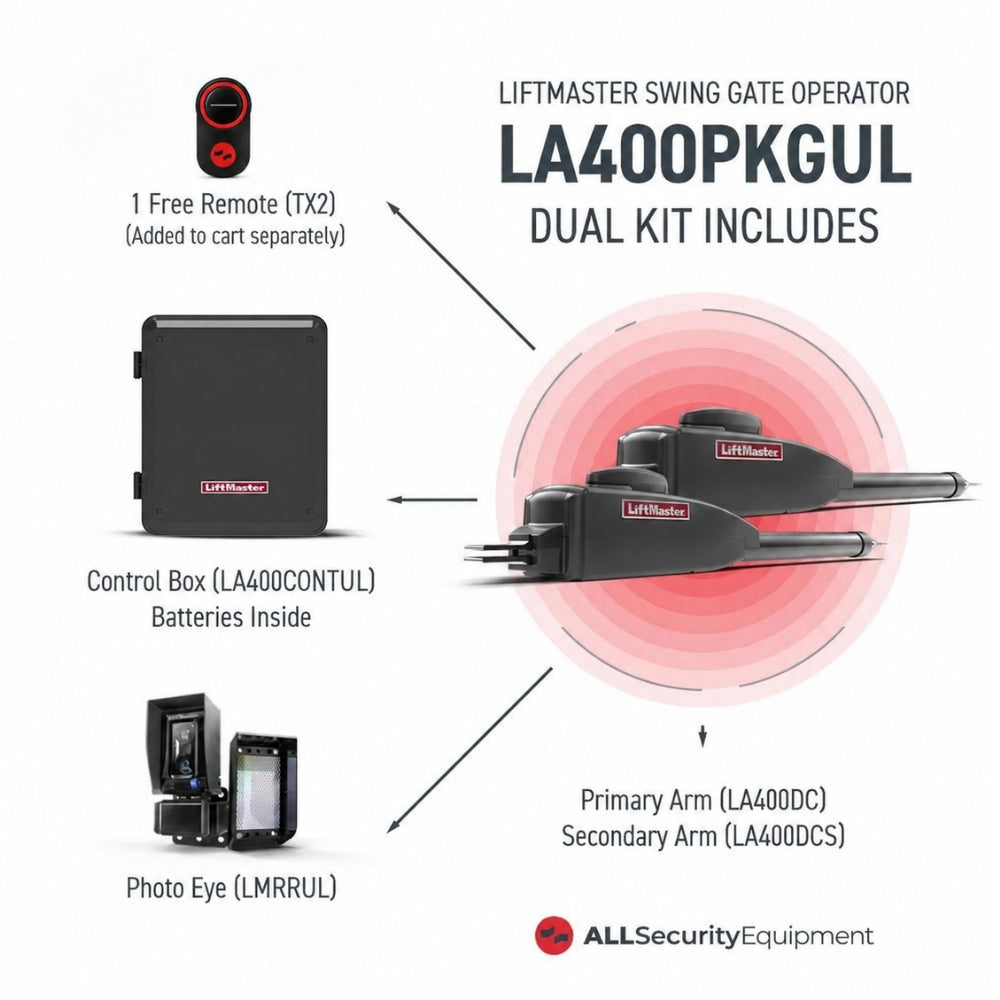
Outdoor security camera placement at the gate also has to handle light. Keep the sun and incoming headlights from pointing straight into the lens, and choose models with wide dynamic range when a view faces bright and dark areas at once. To plan the gate itself, read Top 3 Storage Gate Operators for Self-Storage and Best Access Control Systems for Self-Storage Facilities.
Security Camera Height, Angle and Mounting at Storage Facilities
Security camera height is a trade-off between coverage and detail. Overview cameras mounted about 8 to 10 feet high cover more area and are harder to reach or disable. Cameras meant to capture faces work best at eye level or slightly above, near the keypad or office door, because cameras mounted too high lose facial detail.
Security camera positioning also covers the angle. Point outdoor cameras away from direct sun, under eaves or overhangs where possible, and mount indoor cameras in corners to see the full hallway or room.
When planning how to mount security cameras on storage buildings, keep cameras out of easy reach and use protective housings in accessible spots. Junction boxes also help protect exposed cables. Housings, junction boxes, and wall, ceiling and pole mounts are in the Security Camera Accessories & Mounts collection.
Camera Placement for Self-Storage Live Video and Remote Surveillance
Self-storage live video surveillance only works when a remote viewer can tell what is happening from each feed. Facilities without on-site staff depend on views that quickly answer three questions: who came through the gate, where they drove, and which building they entered.
For self-storage remote surveillance, match access events to footage. When the access control system logs a gate code, the gate camera's recording from that moment can confirm who used the code and whether another vehicle followed. Place the gate overview so it shows the keypad and the vehicle lane together.
Self storage security monitoring also depends on how footage is recorded. Connect the gate, building and lot cameras to video recorders sized for the facility's retention needs, and check that each camera is still recording and aimed correctly after storms, high winds or nearby construction.
Self-storage surveillance security improves when placement is reviewed with the footage the team uses every day. All Security Equipment supplies the cameras, recorders, gate operators and access control equipment that self storage operators combine into one system. Find them on the self storage facilities page.
Self Storage Security Camera Placement FAQs
How high should a security camera be?
Mount overview cameras about 8 to 10 feet off the ground so they cover more area and are harder to reach. Place cameras meant to capture faces at eye level or slightly above, near the keypad or office door.
Where should you not put security cameras at a self storage facility?
Keep cameras out of restrooms and any other area where people expect privacy, and aim each view at the facility rather than at neighboring homes. Camera laws vary by state and city, so check local rules or ask a lawyer before you finalize placement.
Do storage units have cameras inside?
Self storage facilities usually place cameras in shared areas such as entrances and exits, hallways, elevators, loading areas and unit rows. Renters can ask what a facility records before renting, as covered in Self Storage Security: What Renters Should Know.